
Punch history
Review check-in and check-out records by day. Identify missing or inconsistent punches and follow the correction through review.
Inside People Impressions
Punch records, rosters and corrections—with a clear review trail.
Balances, requests and manager decisions, kept together.
Everyday appreciation through Rise & Shine. Awards through Champs.
Add payroll inputs, adjustments and payslips to your setup.
Hiring requests, referrals, candidates, interviews and onboarding.
Reimbursements, approvals and Zoho-linked invoice requests—with a visible status.
Company updates, the people directory and workplace resources in a shared hub.
Keep employee documents, policies and company guidance organised for the people who need them.
Connect the accepted offer to joining coordination, documents and workplace guidance.
Monthly scorecards, contribution evidence and employee responses in one review.
And there’s more
01 + 02 / The everyday essentials
One request. The right person to act.
An employee submits a request. The manager checks the policy and roster. HR reviews the exceptions. Each person knows their part, and the decision stays with the record.
Add payroll, recruitment and finance when you need them.
Submit leave or correct a missing punch.
Check the roster, policy and request.
See the decision. Review exceptions.
Rise & Shine appreciation · Champs awards
Attendance, in practice
Review check-in and check-out records by day. Identify missing or inconsistent punches and follow the correction through review.
Use team schedules, including Saturday rosters, to give each attendance record its working-day context. Agree holidays and policy rules during setup.
Give employees a view of available leave and a route to request time off. Managers review the request, with the decision visible to the employee.
HR checks outstanding exceptions and the attendance record for the period. Add a payroll hand-off if payroll is part of your chosen setup.
Start with your actual leave policy and roster. In the demonstration, follow a missing punch or leave request from submission to the manager’s decision.
Next / Rewards & recognition
Recognise a colleague and describe the contribution behind the appreciation. Give teams a place to find and revisit that work.
Nominate, review and publish confirmed award winners. Keep the achievement context, monthly archive and certificates together.
Add when needed
Expand the setup around a real requirement. You do not need to start with every module.
Optional / Payroll & finance
People Impressions connects employee claims and payroll inputs, and supports invoice requests linked to your Zoho setup. Each workflow keeps its own review and status.
Employees, reporting managers, Finance and payroll administratorsOptional / Recruitment
Recruitment has separate views for requests, openings, candidates, referrals, interviews, offers and onboarding. HR follows the candidate journey while employees participate through referrals.
Hiring managers, HR, interviewers and referring employeesSupporting capability
Monthly scorecards bring together contribution, attendance and feedback evidence. Managers and employees can discuss the entries behind a score rather than relying on memory.
Employees, reporting managers and HRSupporting capability
An employee can find a colleague, read the handbook and raise a request from the same portal. HR maintains the information behind those everyday actions.
Employees, HR and reporting managersBring invoice requirements into a structured Finance review. Agree the Zoho organisation, fields and approval stages during setup.
Inside Digital Impressions Connect
These selected screenshots show Connect in Digital Impressions’ branding. Your organisation’s configuration and branding may differ.
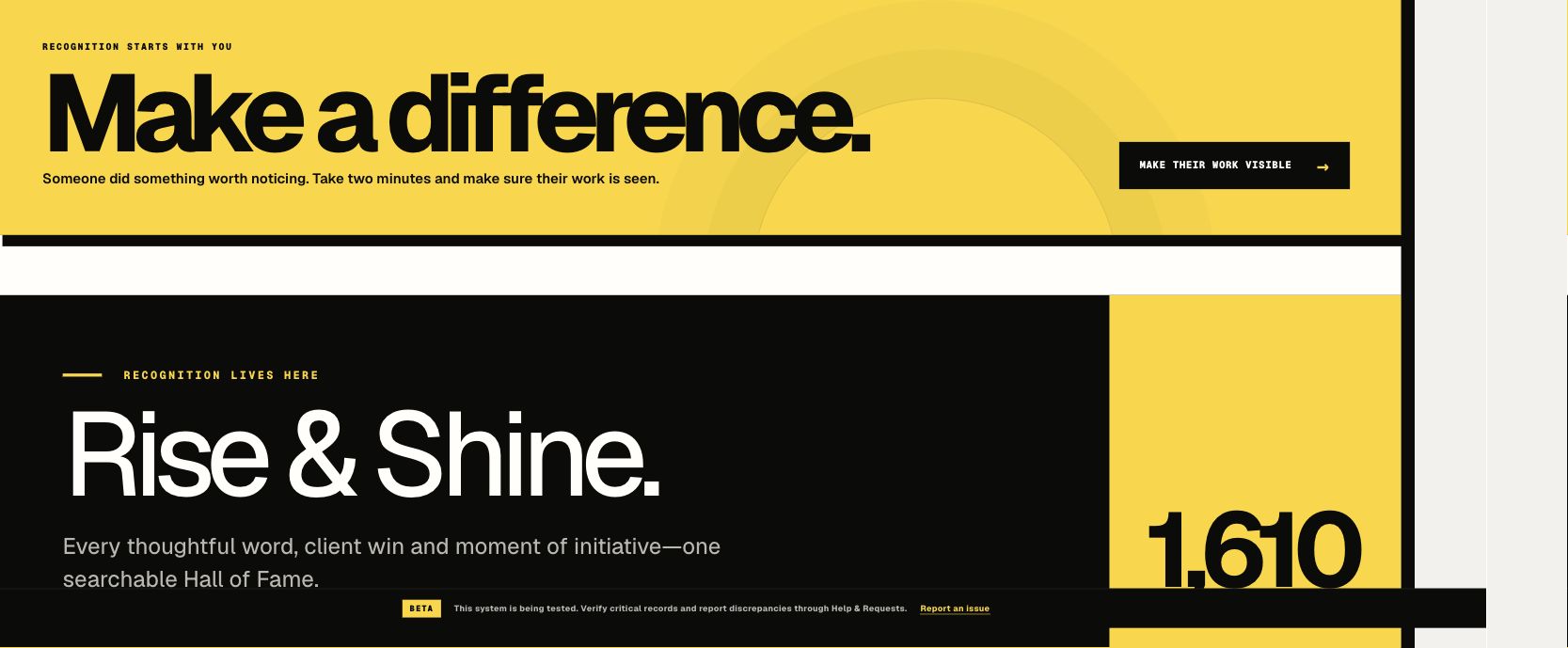
Employees submit appreciation with the contribution behind it. The recognition history gives teams a place to find and revisit that work.
Explore the workflow ↗Integrations & devices
Bring your finance setup and attendance devices into the conversation. We map the connection around your existing systems.

Invoice requests linked to your Zoho organisation and approval flow.
Review your eSSL device model and punch-data connection during setup.
Confirm your Identix device model, available records and connection requirements.
Compatibility depends on device model, software and enabled interfaces. Brand names identify the systems discussed; they do not imply certification or endorsement.
The daily experience
Check attendance, request leave, upload a claim, find a payslip and recognise a colleague.
Review leave and attendance exceptions, approve claims, follow hiring requests and respond to feedback.
Maintain records and policies, coordinate recruitment, review payroll inputs and process approved requests.
Review the appropriate team and company views, with access and reporting scope agreed during setup.
Role-specific views, notifications and visible request status help people find their next action. Sensitive employee and financial records stay in restricted workflows.
Choosing the right setup
Whether you have one company or a group, the starting point is your operating structure. Employee numbers, integrations and data readiness shape the rollout.
How implementation works ↗Agree the companies, roles, policies and first workflows.
Map employee data, attendance sources, forms and integration fields.
Walk through employee, manager, HR and Finance scenarios together.
Confirm ownership, provide guidance and review questions after launch.
Backed by Digital Impressions
Digital Impressions created Connect for its own people operations. People Impressions brings that product foundation to other organisations, with workflows and implementation scope shaped around their requirements.
Explore the Digital Impressions implementation ↗Start with a leave request or missing punch. Then explore how your team can recognise contributions through Rise & Shine and Champs.
Arrange your demonstration ↗