
Hiring requests
Capture the role requirement in a structured requisition and route it to the authorised reviewer.
Recruitment & referrals
Recruitment has separate views for requests, openings, candidates, referrals, interviews, offers and onboarding. HR follows the candidate journey while employees participate through referrals.
See this workflow in a demonstration ↗What you can do
Capture the role requirement in a structured requisition and route it to the authorised reviewer.
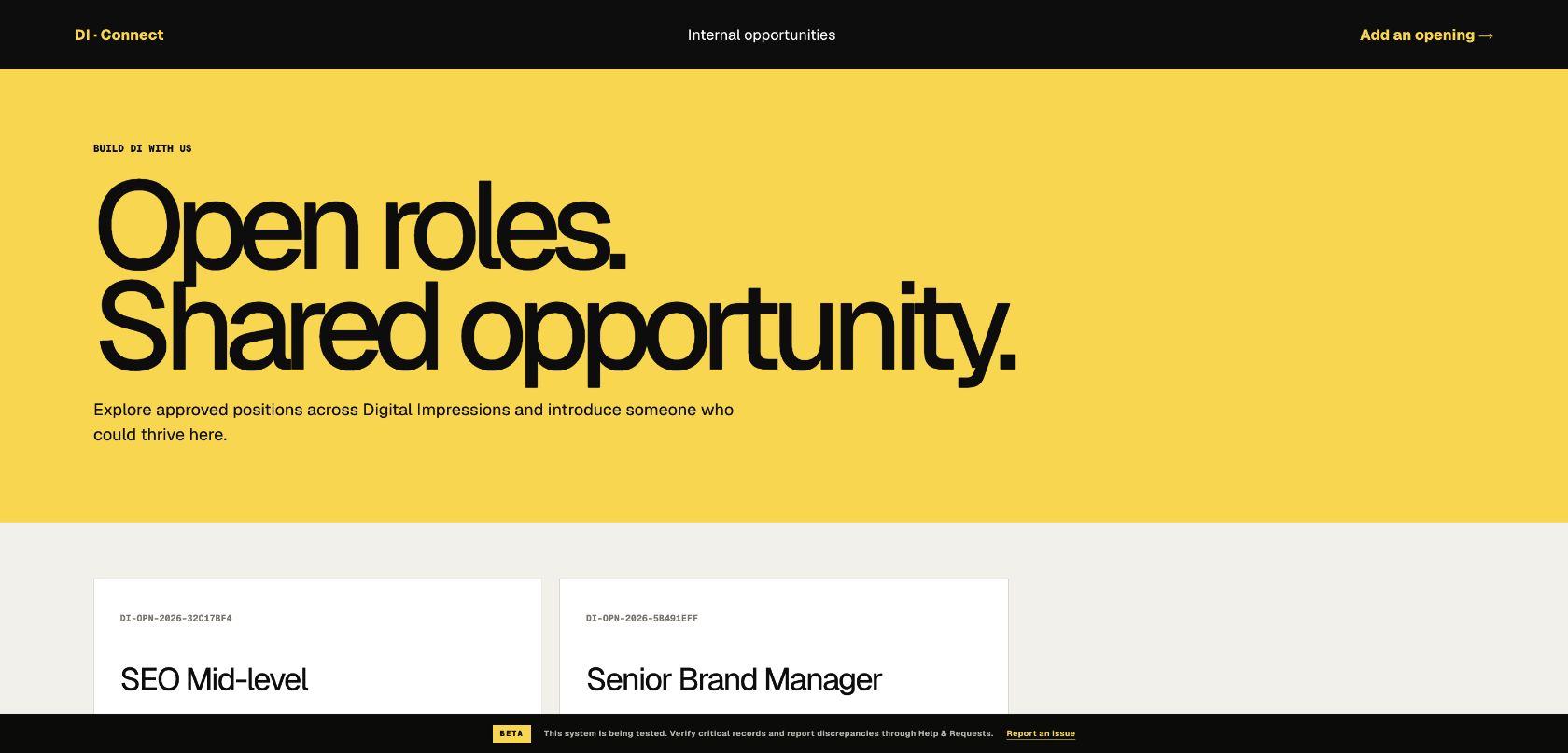
Publish opportunities and collect candidate referrals through the relevant form.
Manage candidates across interviews and offers with a visible status and the appropriate access to documents.
Continue the accepted candidate’s journey into joining coordination instead of ending the record at the offer.
Digital Impressions Connect
Connect uses Digital Impressions’ own interface and colours. This selected view shows the workspace without exposing individual employee records.
Trace one approved hiring request through a referral, an interview stage and onboarding.