
Hiring managers
Request a role and participate in the agreed review and interview stages.
06 · Employee lifecycle · Recruitment & referrals
Recruitment begins before a job is posted and continues after an offer is accepted. People Impressions keeps the request, opening, candidates, interviews, referrals and hand-off to onboarding connected.
The principle
Every candidate movement should have a clear stage and owner, while access to resumes and candidate documents stays appropriate to the hiring process.
Who uses it
Request a role and participate in the agreed review and interview stages.
Coordinate openings, candidate movement, documents, interviews and offers.
See relevant open roles and submit employee referrals.
Access the stage and information required for their part of the process.
What you can do
Structured requisitions with role, requirement and approval context.
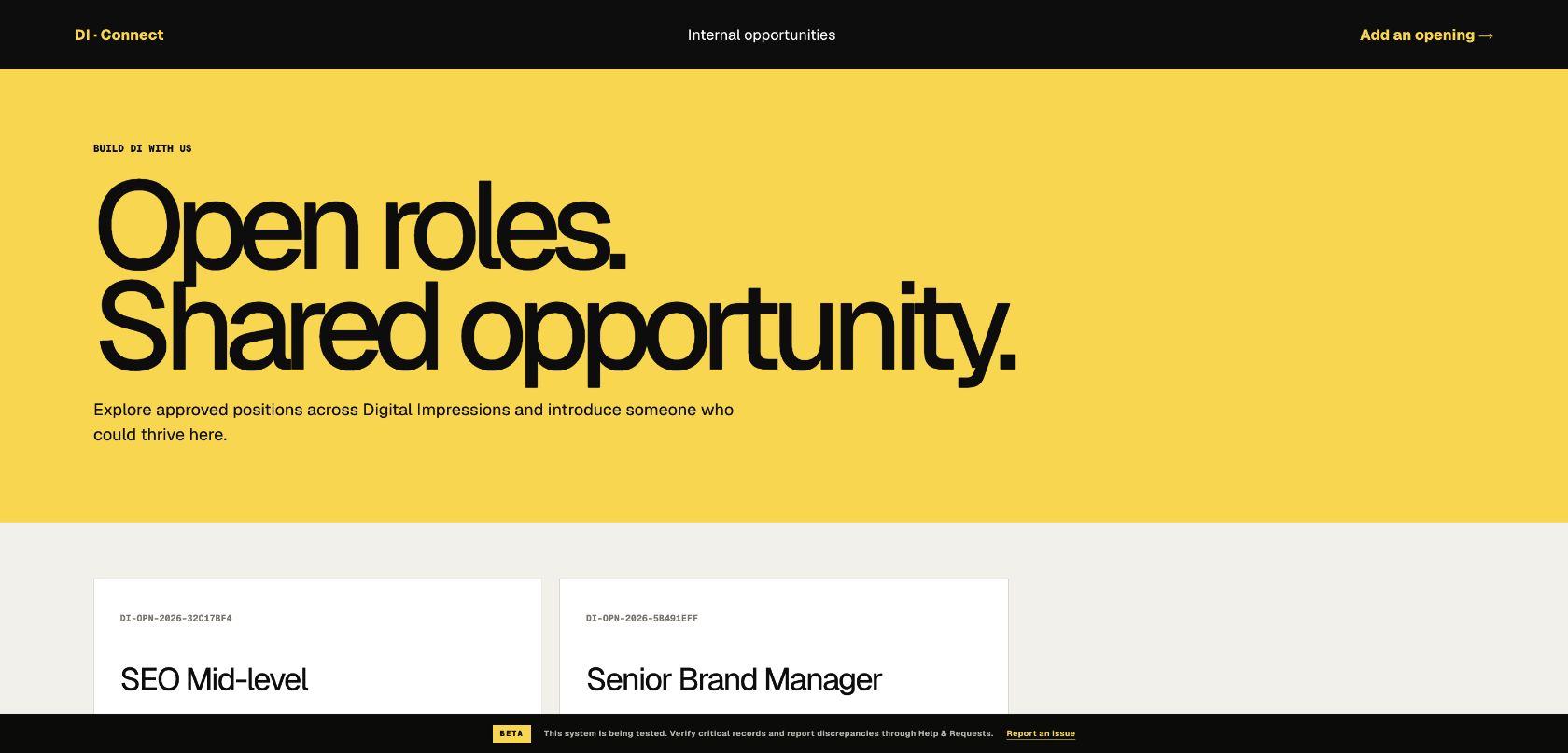
A shared place for approved opportunities.
A clear referral form and status journey.
Visible candidate stages from intake through decision.
Coordinated steps, responsibilities and status.
Restricted operational views for HR and authorised hiring participants.
Digital Impressions Connect
Connect includes hiring requests, open roles, referrals, candidate status, recruitment workspaces, interview and offer stages, and a hand-off into onboarding.
What improves
What we configure
Useful questions
Yes. The workflow can publish relevant open roles and provide a structured employee-referral route.
Candidate records and documents are restricted to the authorised recruitment and interview participants agreed during setup.
No. The accepted candidate can continue into the onboarding journey so the operational hand-off remains visible.
Connected features
We’ll walk through the employee, manager and administrator experience and identify what needs to be configured for your organisation.
Plan your demonstration